Flock
The todo list your friends can see.
Watch friends check off tasks in real-time. Give kudos when they finish. Get nudged when you're slacking. Productivity through friendly accountability.
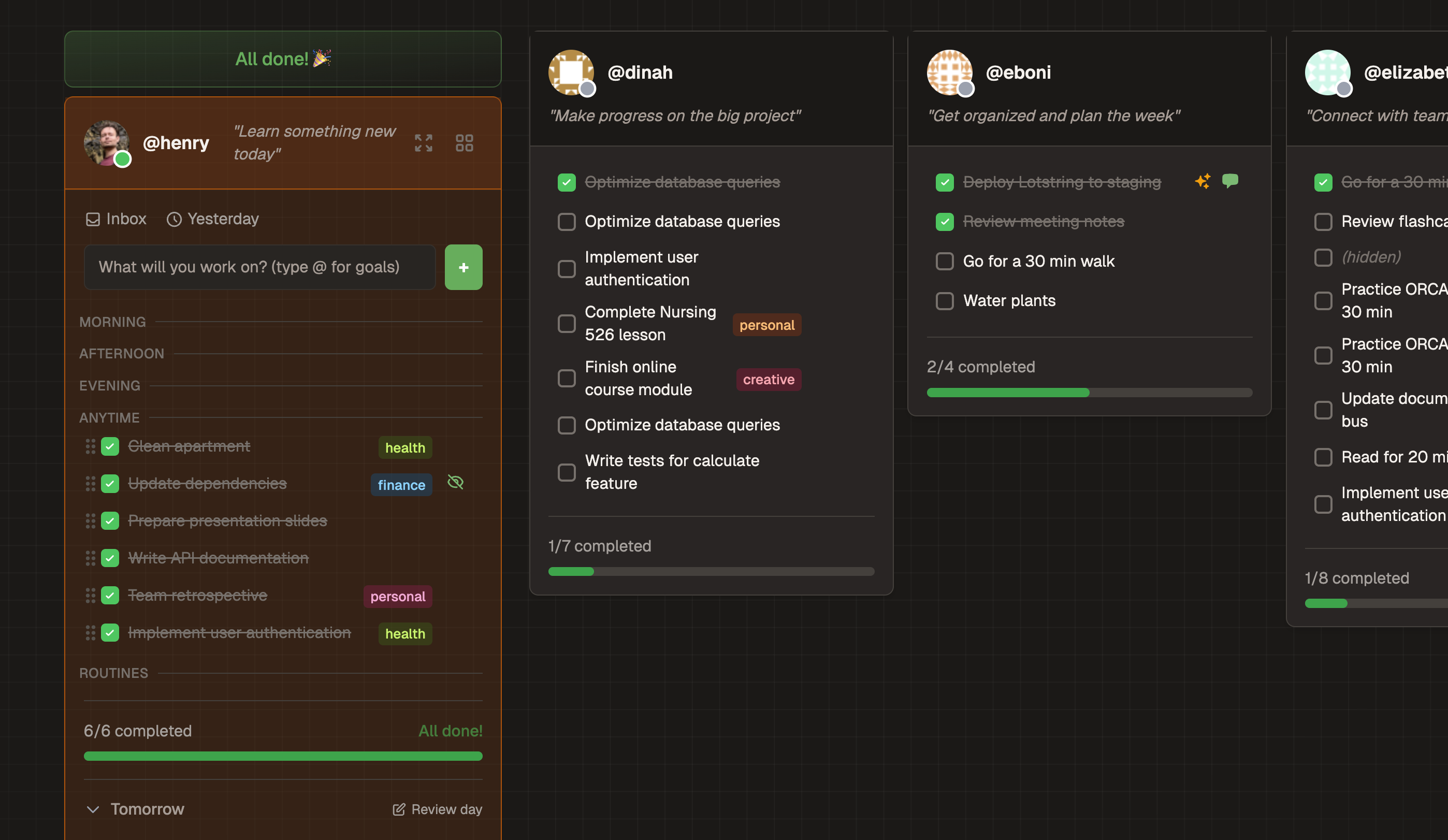
See Friends Working in Real-Time
Your dashboard shows what friends are working on right now. Watch as todos get checked off, see who's in a focus session, and know you're not working alone.
- Real-time updates as friends complete tasks
- Online status shows who's working (Online / Away / Pomodoro)
- Give kudos to celebrate completions
- Pin favorite friends to the top of your view
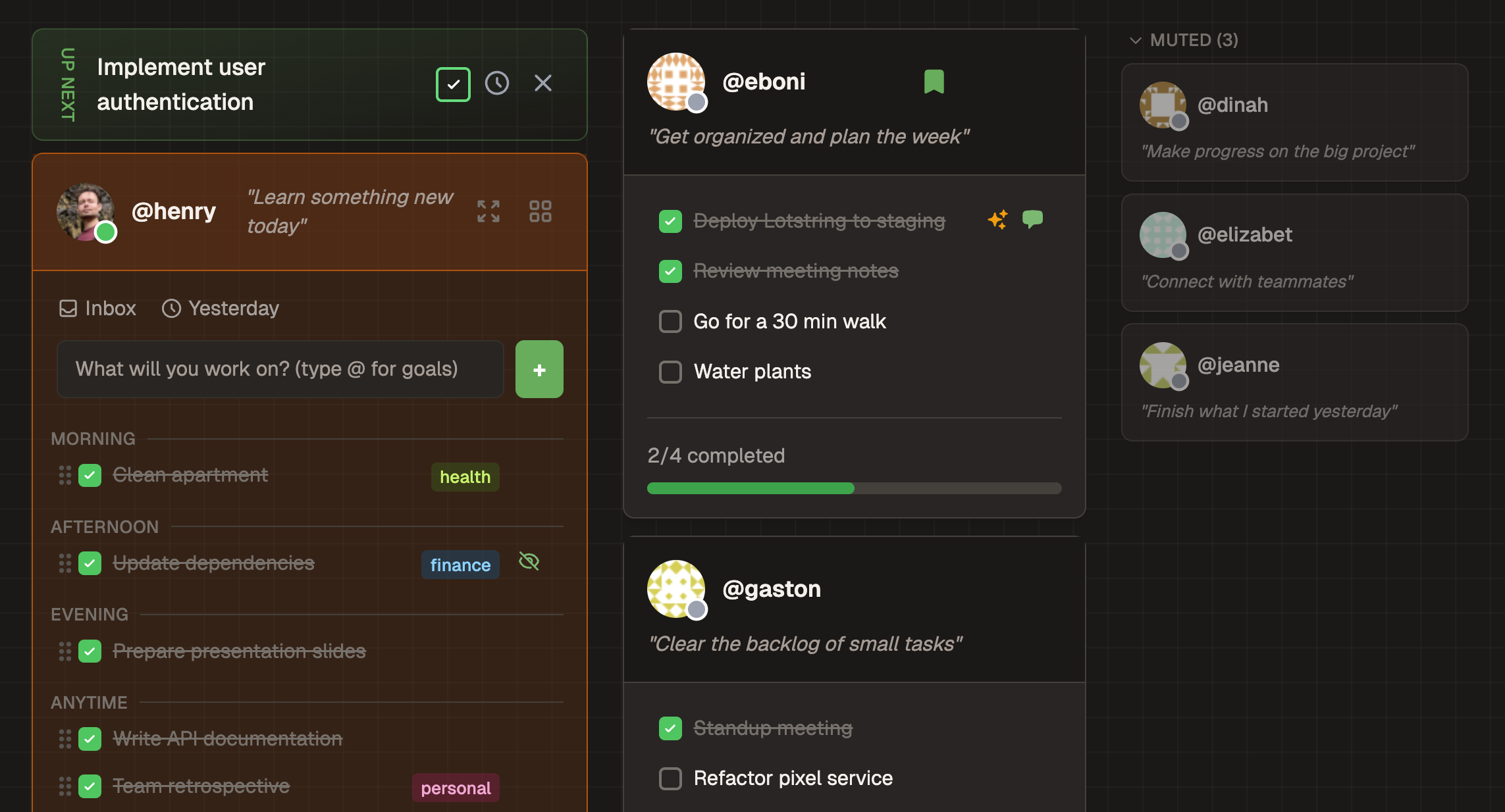
# Example conversation
You: What's on my todo list?
Claude: You have 4 todos today:
1. Review PR for auth flow
2. Write blog post draft
3. Call mom
4. Grocery run
You: Mark the PR review done and start a pomodoro on the blog post
Claude: Done! Started a 25-minute focus session.
Works With Claude
Connect Flock to Claude Desktop, Mobile, or Web. Ask Claude what's on your list, add tasks by voice, or start a focus session—all from your AI assistant.
- Add, complete, and manage todos conversationally
- Start pomodoro sessions from Claude
- Set your daily intention via voice
- Works on Desktop, iOS, Android, and Web
Cheer Each Other On
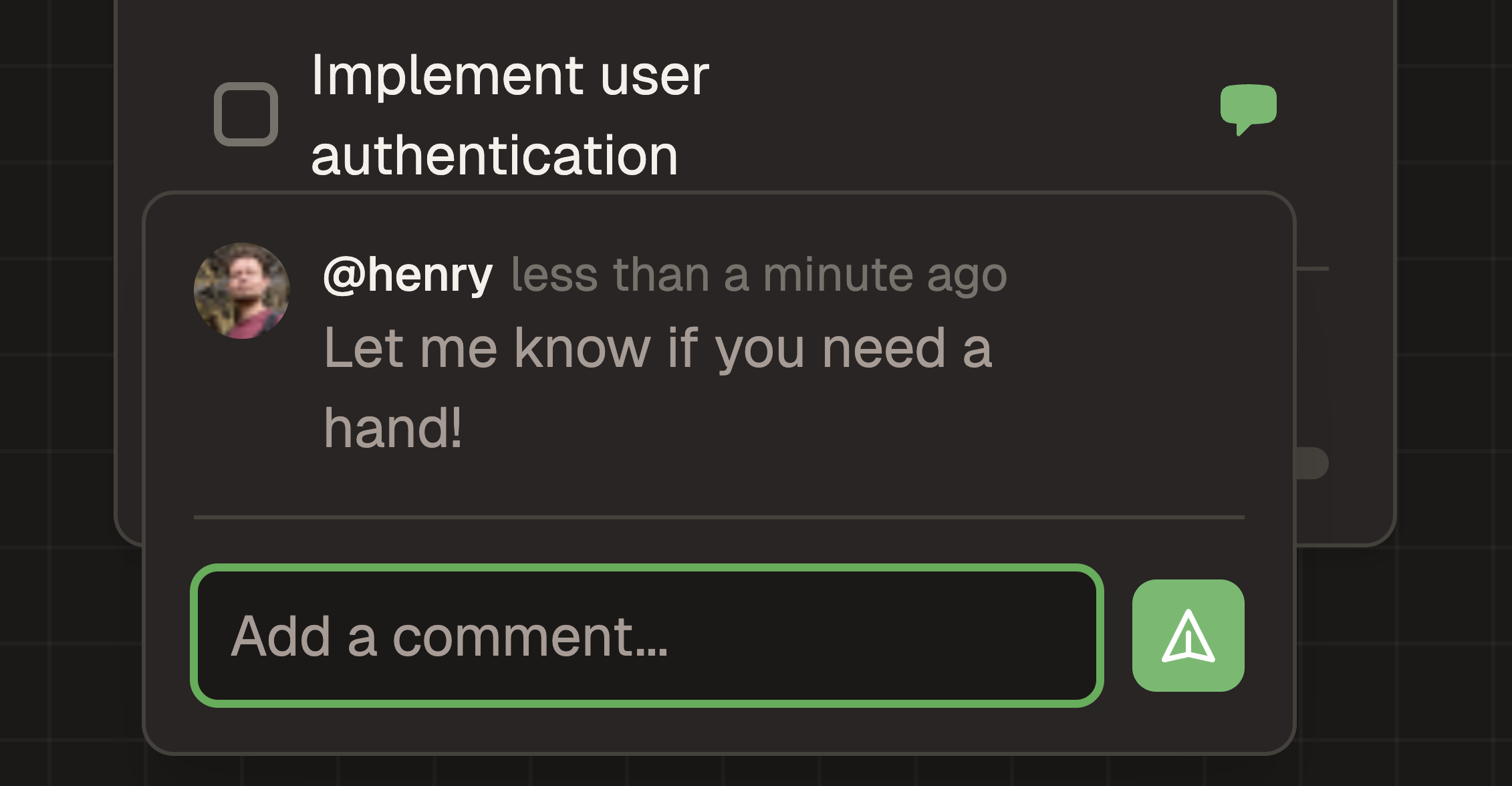
Flock isn't just watching—it's participating. Give kudos when a friend finishes something tough. Leave a comment to say nice work. Send a poke when they've been idle too long. Gentle social pressure that actually works.
- Kudos — One-click celebration when friends complete tasks
- Comments — Leave notes on completed todos
- Pokes — Friendly nudge when someone's slacking (rate-limited, don't worry)
- Confetti — Finish all your todos and get a celebration

Built for Keyboard Power Users
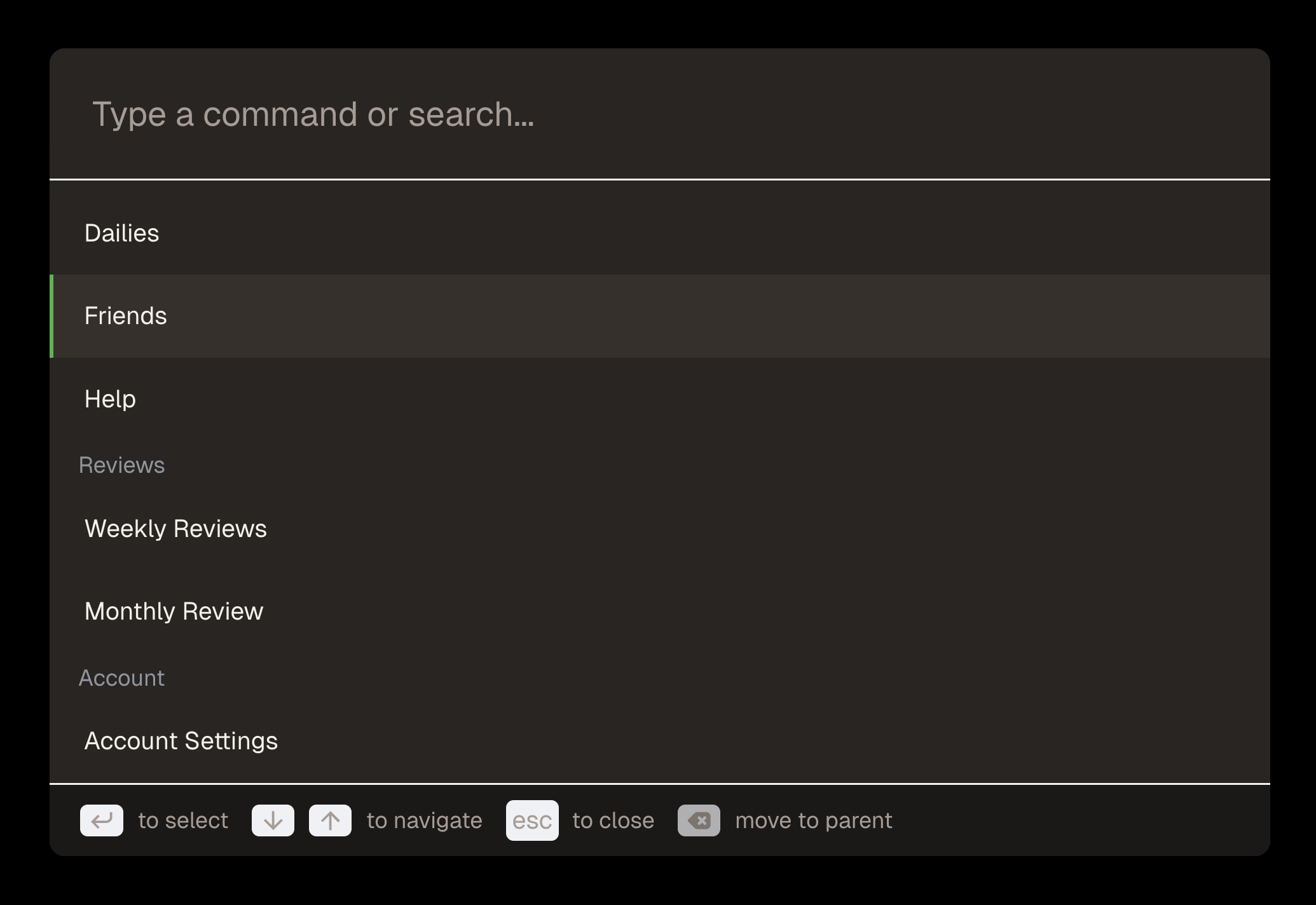
Navigate your entire day without touching the mouse. Vim-style shortcuts for everything. Command palette to jump anywhere instantly. The way productivity apps should work.
- Full vim-style navigation (j/k/space/%/h)
- ⌘K command palette with fuzzy search
- Reorder todos with Shift+J/K
- Quick-access modals for inbox, dailies, goals
Plus everything you'd expect...
Pomodoro Timer
25-minute focus sessions. Friends see when you're in deep work.
Goals
Color-coded categories with streaks and completion stats.
Inbox
Brain dump ideas without picking a date.
Dailies
Templates for recurring habits. One click to add.
Daily Intentions
Set your focus for the day. Friends see what you're aiming for.
Tomorrow Planning
Plan ahead when today's list is done.
Year in Review
Annual reflection with AI insights and YearCompass prompts.
Beeminder
Auto-sync todos and completion rates to commitment contracts.
